
How can I design a parking lot security system that includes custom access control and efficient emergency response?
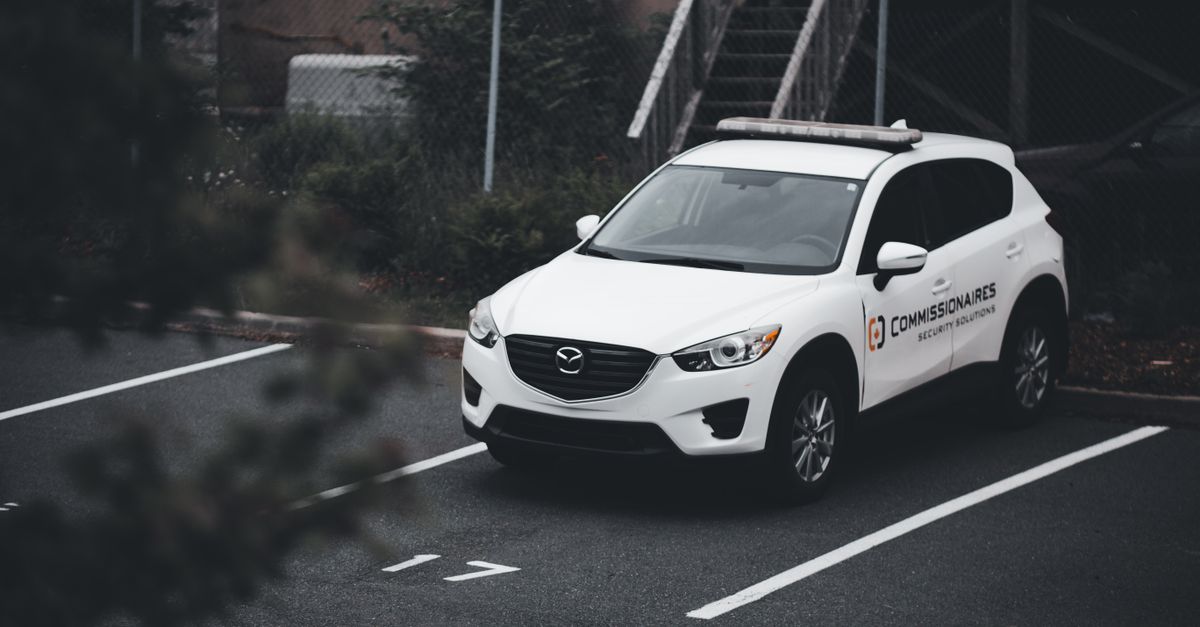
Parking lot security is more than cameras and lighting; it’s an integrated system that protects people, property, and assets. When I design a solution, I focus on three pillars: assessing the unique risks of the site, building a custom access control framework, and embedding emergency response capabilities. By following these steps, you can create a parking lot security strategy that meets today’s challenges and scales for tomorrow.
1. Assess Parking Lot Security Needs
The first step in any robust security design is to understand the environment you’re working with. I treat this assessment like a detective investigation: gather clues, map out patterns, and identify vulnerabilities before they become liabilities. The goal is not to build an over‑engineered fortress but to deploy just enough controls to close critical gaps while keeping costs reasonable.
Assessment Checklist
- Identify high‑value assets (e.g., vehicles, equipment, storage areas)
- Map entry/exit points and pedestrian flow
- Analyze lighting levels and blind spots
- Review local crime statistics and incident reports
- Check compliance with ADA, OSHA, and insurance mandates
- Determine budget constraints and ROI expectations
- Consider future expansion or technology upgrades
After collecting data, I synthesize it into a risk matrix that prioritizes vulnerabilities. This matrix guides the next phase: custom access control design.
In practice, an assessment often involves on‑site walkthroughs, drone footage for hard‑to‑reach corners, and a review of existing CCTV feeds to identify recurring patterns such as loitering or abandoned vehicle incidents. Seasonal factors also play a role—winter storms can create slick surfaces that increase collision risk, while summer heat may encourage vandalism in poorly lit areas.
2. Design Custom Access Control Systems
A one‑size‑fits‑all solution rarely works for parking lots. My approach is modular and scalable, combining hardware, software, and policy layers. I start by defining user groups—employees, guests, delivery personnel—and assigning permissions based on need.
Key Components of a Custom Access Control Architecture
- RFID or NFC card readers at each gate
- Biometric scanners for high‑security zones (if required)
- Centralized access management software with role‑based permissions
- API integration with existing security systems (CCTV, alarms)
- Fail‑safe mechanisms—manual override and power backup
- Real‑time audit logs and alerts for anomalies
- User interface: web portal or mobile app for credential issuance
By decoupling the hardware from the software layer, I can swap out readers or upgrade firmware without redesigning the entire system. The result is a flexible platform that adapts to changing access policies.
For example, a midsize distribution center might require hourly delivery windows for trucks and 24/7 employee access, while a corporate campus may need visitor badges valid only during business hours. In both cases, the same core hardware—RFID readers and central servers—can be configured differently through software to enforce those rules.
Credential lifecycle management is another critical component. When an employee leaves or a delivery contract ends, their card must be deactivated immediately. Automating this process via an API that ties into HR systems reduces the risk of orphaned credentials lingering in the system.
3. Integrate Emergency Response Capabilities
A parking lot may look calm, but emergencies—fires, medical incidents, security breaches—can happen anywhere. Efficient emergency response hinges on fast detection and clear communication between the lot’s systems and first responders.
Steps to Embed Emergency Response Features
- Install motion‑sensing cameras with AI analytics for anomaly detection
- Deploy panic buttons at strategic locations (entrances, shelters)
- Integrate with local dispatch via secure VoIP or LTE modules
- Automate gate lockdown upon incident detection
- Maintain a real‑time occupancy map for responders
- Set up automated notifications to property managers and security staff
- Conduct regular drills and update response plans accordingly
When incidents occur, the system should reduce access points, alert law enforcement, and provide situational data—making the difference between a manageable situation and a disaster.
A practical illustration: during a summer heatwave, a vehicle caught fire in a corner of the lot. The motion‑sensing camera detected rapid movement and identified flame signatures via AI. An automated alert was sent to the on‑site security guard’s tablet, who confirmed the incident and triggered a gate lockdown to prevent other vehicles from entering the danger zone. Simultaneously, the system pinged the local fire department through an LTE gateway, providing GPS coordinates and an occupancy count so responders could plan their entry points.
Medical emergencies are another scenario where speed matters. If a pedestrian collapses near a parking entrance, panic buttons located within 30 feet can immediately notify security staff, who can then call emergency services with accurate location data derived from the lot’s real‑time occupancy map.
4. Choose a Security Consulting Service
Designing the architecture is only part of the job; implementing it requires expertise in installation, integration, and ongoing support. Selecting the right consulting partner is critical.
Criteria for Evaluating Security Consultants
- Track record with parking lot projects of similar size
- Certification in access control standards (e.g., ANSI/BICSI)
- Experience integrating multiple vendors and legacy systems
- Provision of 24/7 monitoring or escalation services
- Transparent pricing model—no hidden fees for maintenance
- Strong customer references and case studies
- Commitment to continuous improvement through analytics
I typically ask for a detailed proposal that includes scope, timelines, cost breakdowns, and service level agreements. A solid consultant will also recommend future‑proofing strategies—such as cloud integration or AI upgrades—to keep the system relevant.
During contract negotiations, it’s useful to clarify responsibilities around firmware updates, incident reporting, and data privacy compliance. For instance, a consultant might offer quarterly security audits that verify whether access logs are retained according to local regulations and whether any unauthorized changes have occurred.
5. Technology Trends and Future‑Proofing
The security landscape evolves fast. By staying ahead of emerging tech, you can extend the life of your parking lot installation without major overhauls.
Emerging Technologies to Watch
- Edge computing for faster real‑time analytics
- Blockchain‑based credential verification for tamper‑resistant access control
- Predictive maintenance using IoT sensor data
- Biometric multi‑modal authentication (iris + voice)
- AI‑driven threat detection that learns from historical incidents
- Integration with smart city platforms and municipal emergency services
When choosing hardware and software, opt for open APIs and modular firmware. This way, you can swap components or upgrade algorithms without scrapping the entire system.
Edge computing reduces latency by processing video analytics locally on cameras or gate controllers, enabling instant action—such as a gate closing within milliseconds of detecting an unauthorized vehicle. Blockchain credential verification adds an immutable ledger layer that makes cloning a card practically impossible; each access event is recorded on a distributed network, providing forensic evidence if needed.
Predictive maintenance uses vibration, temperature, and power consumption data from gates and readers to forecast failures before they happen. By addressing wear early, you reduce downtime and extend equipment life. Multi‑modal biometrics combine iris scans with voice recognition, offering higher assurance levels for critical zones while still being quick enough for everyday use.
AI threat detection models can be trained on historical incident data from your own lot or shared datasets from similar facilities. Over time, the system learns subtle patterns—such as a vehicle lingering in a restricted area during non‑business hours—and raises alerts before an incident escalates.
6. Residential Best Practices & Common Mistakes
Residential parking lots—whether attached to apartment complexes or gated communities—have unique challenges: residents, guests, and delivery drivers all share the same space. The key is balancing security with convenience while respecting privacy.
Best Practices for Residential Parking Lots
- Implement a resident‑only access schedule with temporary visitor passes
- Use low‑profile cameras that respect sightlines but cover blind spots
- Provide clear signage and instructions for residents on how to use the system
- Schedule regular maintenance checks on gates, readers, and batteries
- Set up a resident portal for reporting issues or requesting access changes
Common pitfalls that erode security effectiveness include:
Common Mistakes to Avoid
- Under‑lighting blind spots—leading to tampering opportunities
- Overly complex credential systems that frustrate users and cause lockouts
- Ignoring data privacy regulations when storing access logs
- Lack of redundancy in power or network connectivity
- Failing to test emergency response drills regularly
By addressing these gaps early, you reduce liability and enhance resident satisfaction.
A typical residential scenario involves a new apartment complex that installed an RFID gate system. Residents were given cards that also functioned as key fobs for building entry, creating confusion when delivery drivers arrived with their own vehicles. The solution was to introduce a two‑step authentication: residents used a mobile app for the building door and a separate card reader for the parking lot. This separation reduced lockout incidents while maintaining a single credential ecosystem.
In addition, many communities now integrate weather sensors that trigger additional lighting during sudden storms or fog, ensuring that blind spots remain illuminated when visibility is compromised.
The core of a resilient parking lot security system is a data‑driven assessment that informs a modular custom access control design, coupled with integrated emergency response pathways and continuous monitoring through a trusted consulting partner.In my experience, the biggest cost overruns come from not defining clear user roles before installing hardware. Once I lock in permissions early, the hardware selection becomes straightforward and budget‑friendly.
What specific access control challenges have you faced in your parking lot or residential security projects, and how did you address them?


